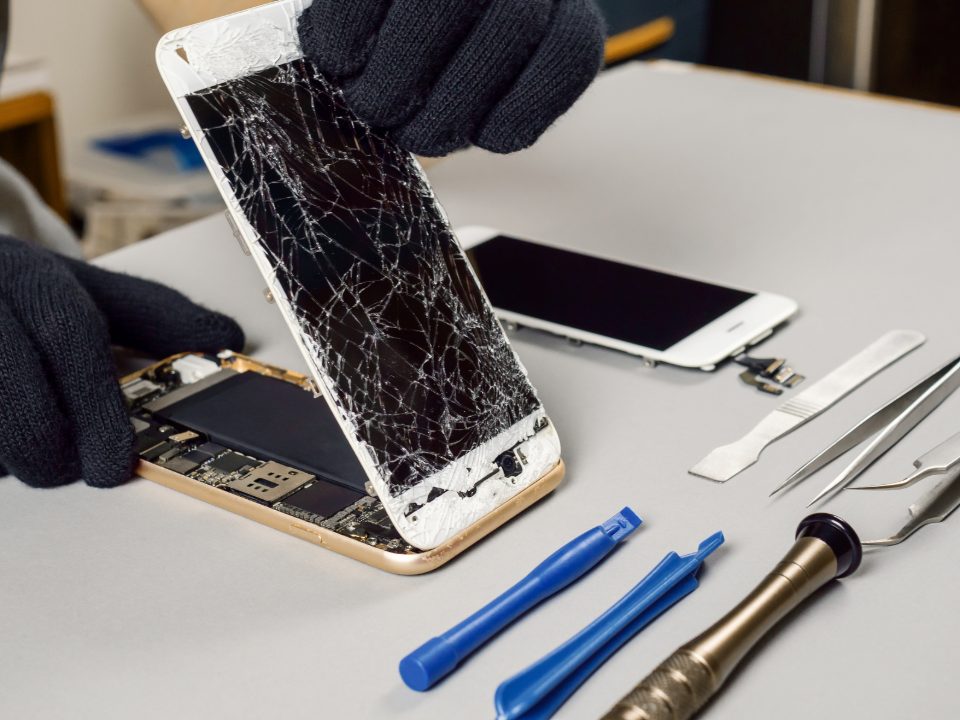
Phones & Tablets
- Cracked screen replacement
- Batteries that won't hold a charge
- Charging ports, buttons & cameras



Local, hands-on IT support for small businesses. Onsite when you need us, remote when it's faster.
Troubleshooting, user issues and workstation setup — in person or from a distance.
Email, Teams, OneDrive, and getting started safely with Microsoft Copilot.
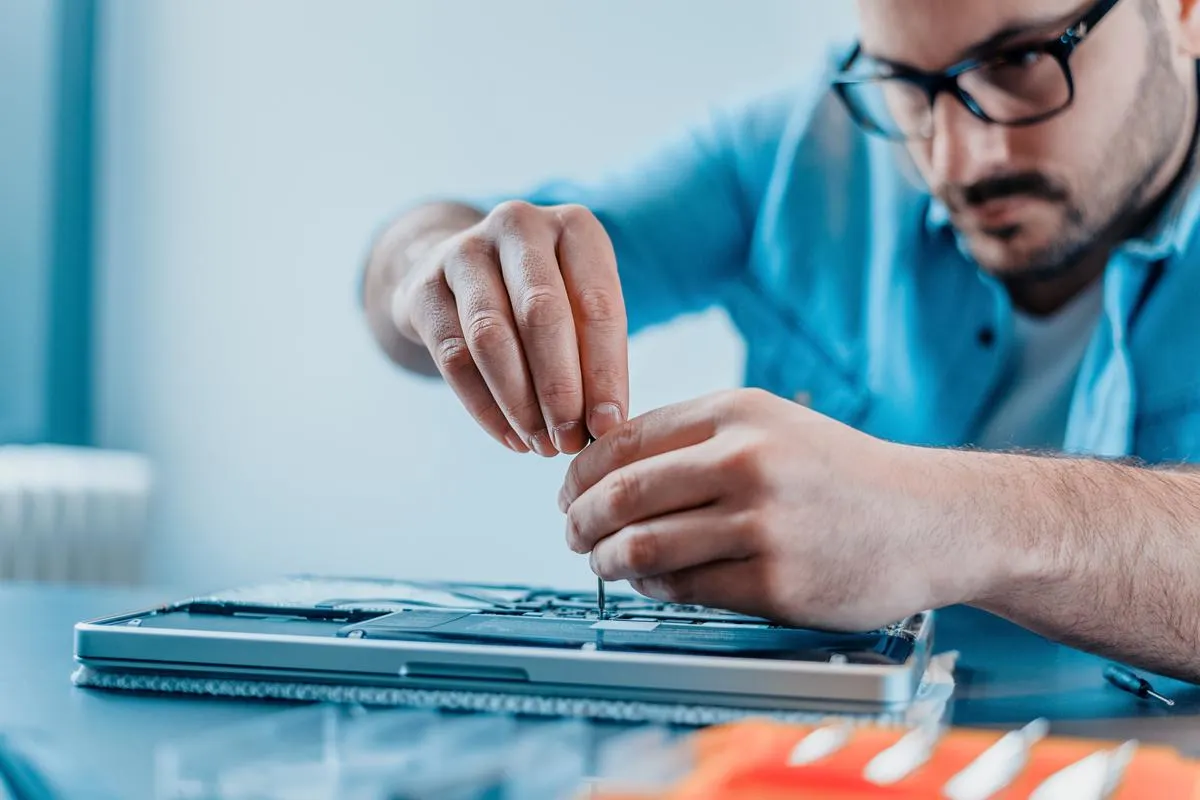
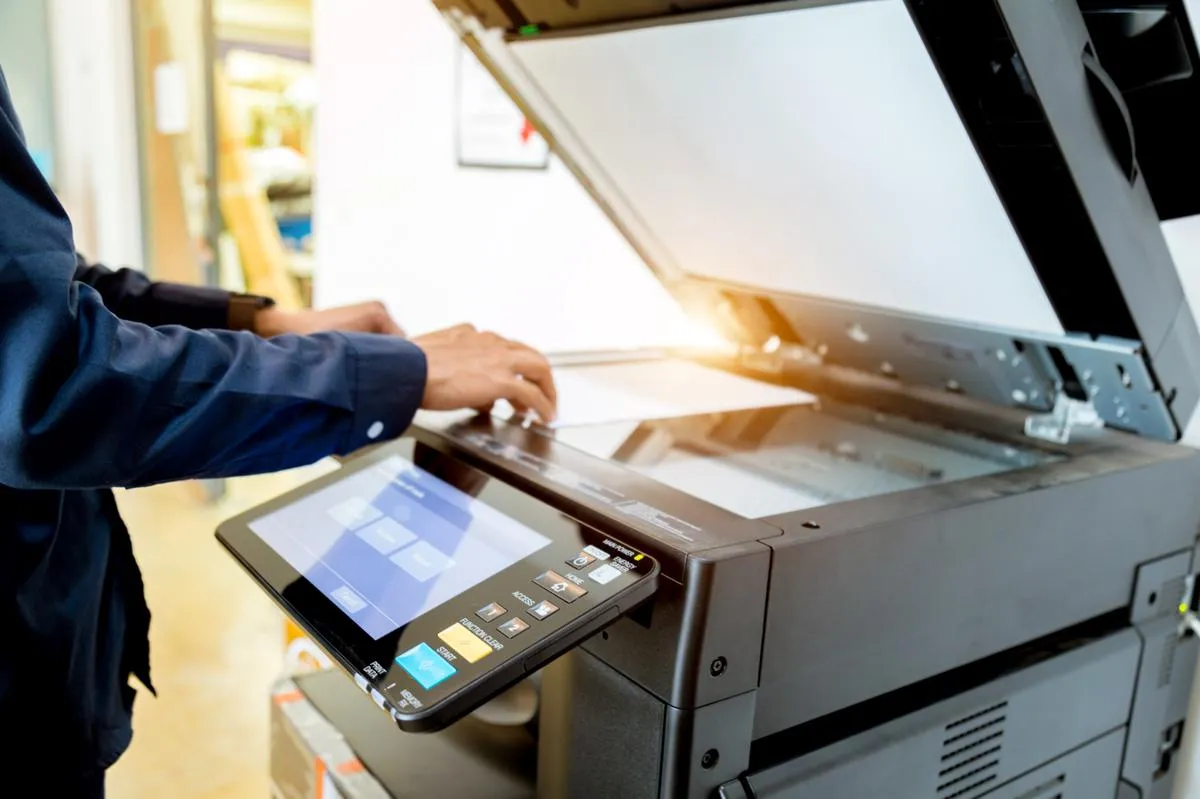
Slow PCs, Windows problems, new computer setup and printers that won't print.
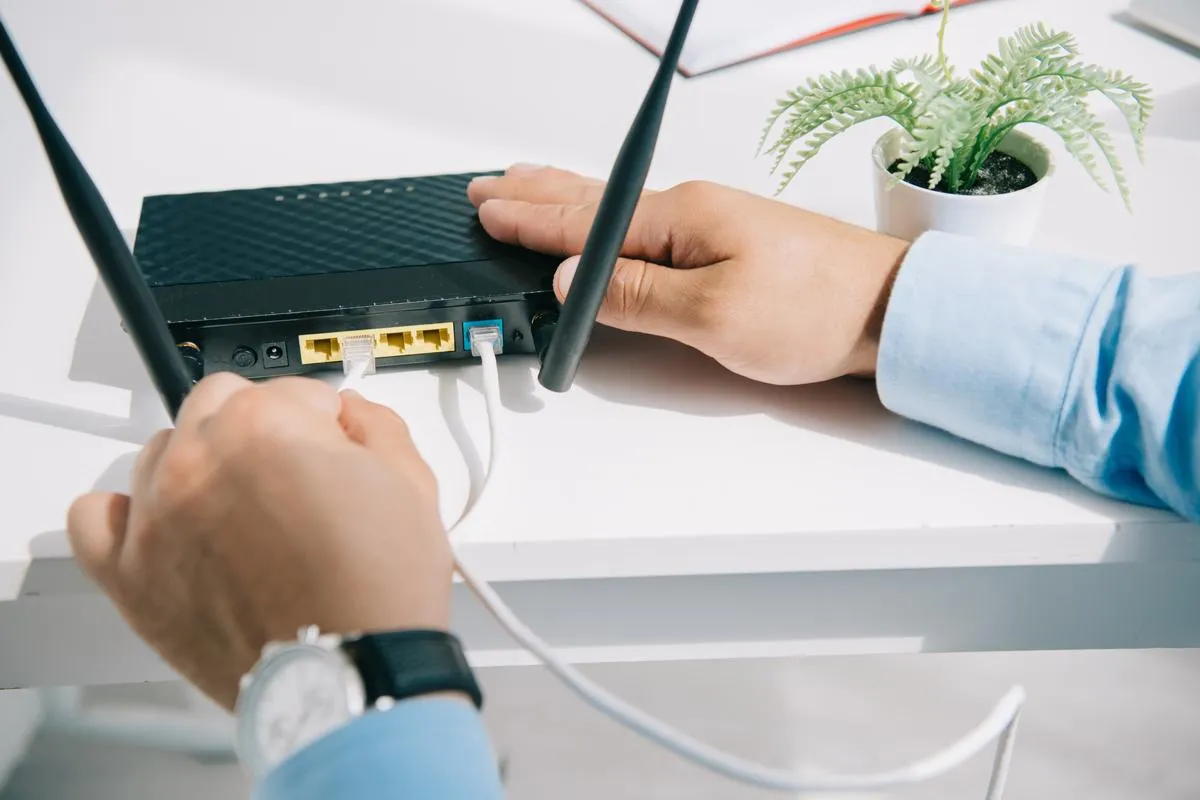
Dropping connections, dead zones and small-business network setup.
Camera installation, setup and remote viewing on your phone.
Office moves, new buildouts, upgrades and migrations, planned end to end.
Tap a service to see what's included.
We come to you or log in remotely — troubleshooting, user issues, software problems and workstation setup.
Email, Teams and Copilot setup.
Slow, broken or won't print.
Fast, reliable office internet.
Install & remote viewing.
New offices, moves, upgrades and migrations — planned and handled start to finish.
Describe the problem and we'll figure it out together.
Scroll to take it apart. Tap any part to see the signs and how we fix it.
Signs: cracks, lines, flicker, dim or black screen.
We match the exact panel for your model, replace it, then test brightness, color and the webcam.
Get this fixed →Signs: sticky or dead keys, spills, a trackpad that won't click.
Spill cleanup, key repair, or a full keyboard or trackpad replacement.
Get this fixed →Signs: no power, won't charge, slow or overheating.
Board-level checks for power, charging, storage and heat. Tap a part:
Get this fixed →Signs: drains fast, shuts off early, won't charge, swelling.
We test it and install a quality replacement. A swollen battery is a safety risk, so stop using it.
Get this fixed →Signs: loud fan, hot underside, dusty vents.
Deep clean of fans and vents, fresh thermal paste, or a new fan if it's worn out.
Get this fixed →Laptops, phones, tablets, game consoles, headphones and more, diagnosed and repaired by a local tech.
Describe the problem or pick one. We'll point to the part in the breakdown above and explain the fix.
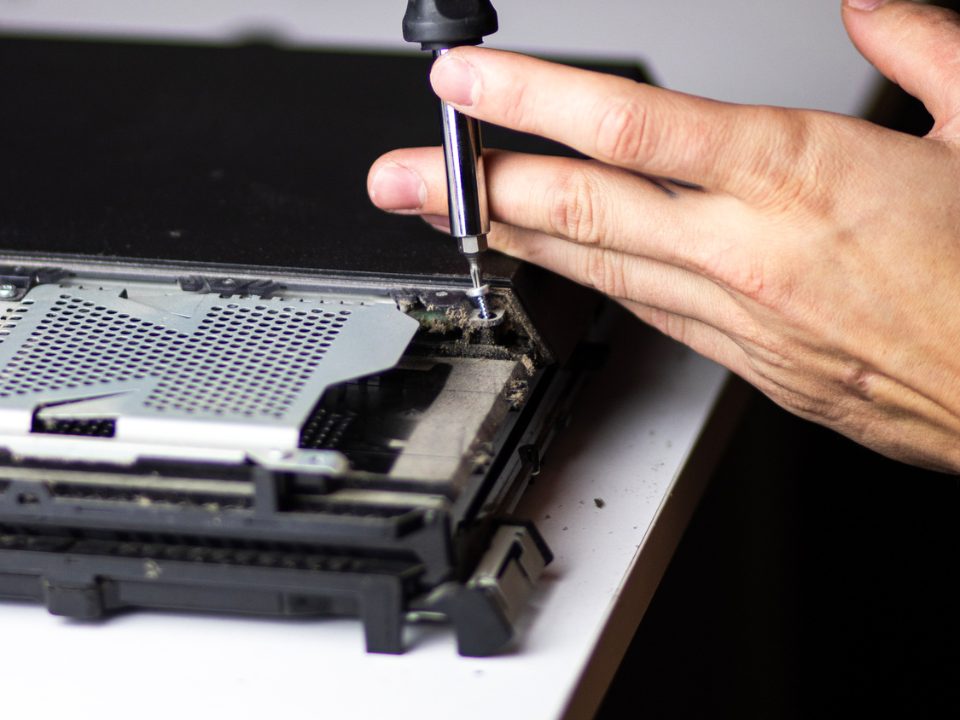
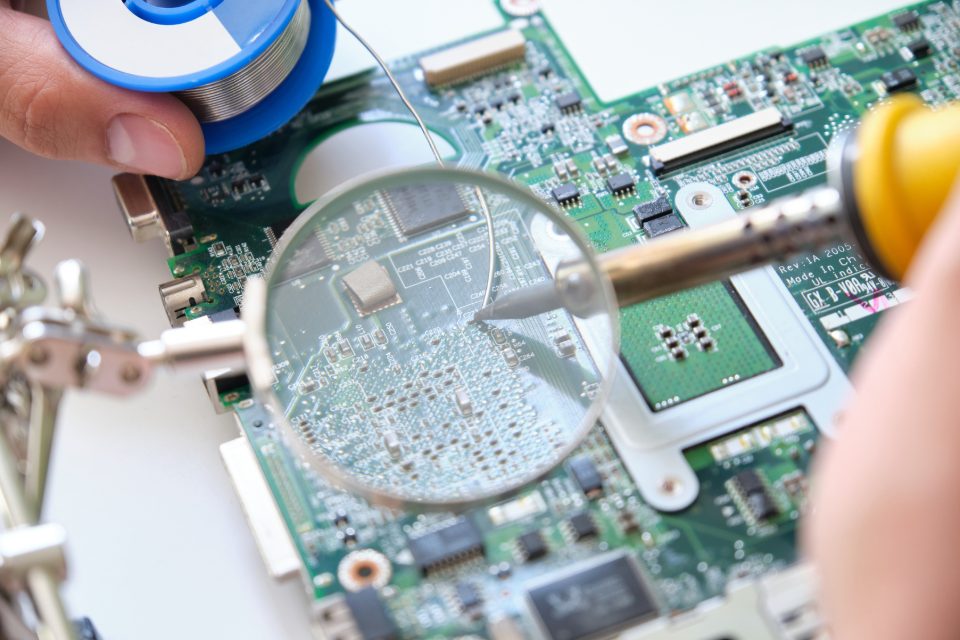
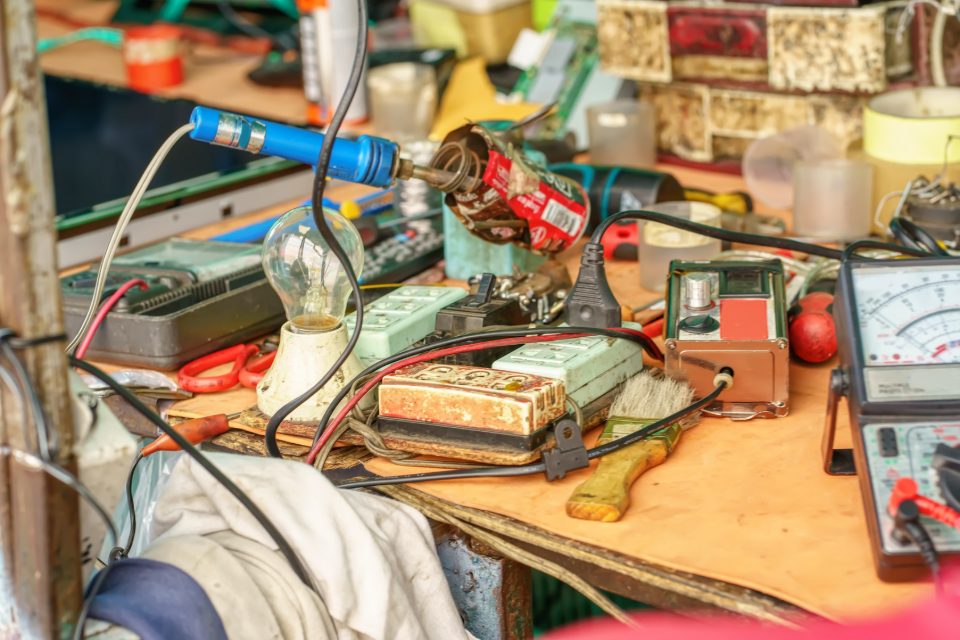
Don't see your device? If it charges or plugs in, ask us. We'll tell you straight up whether we can fix it.
You talk to the person actually doing the work.
Based in Corona, serving the Inland Empire.
Plain-English answers, no tech jargon.
Based in Corona, with onsite and remote support across seven cities.
Call, text, or send a request — and talk to a real local tech.